Triage
An inbox that routes itself.
Inbound from forms, email, and Slack — read, classified, drafted, and routed to the right human queue with full context. Human-in-the-loop where it matters; full evals on the routing layer.
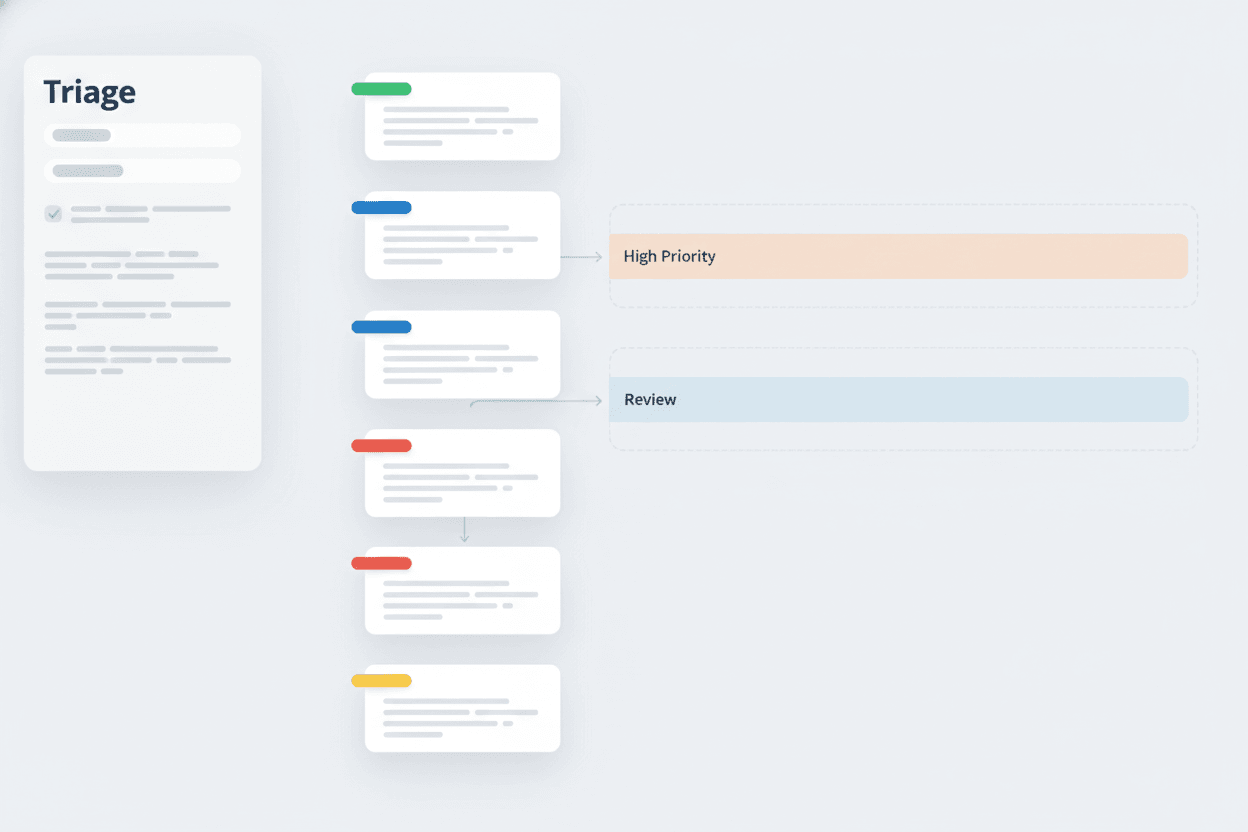
Inbound chaos. Forms, email, Slack, the support inbox — every channel is its own queue, and humans burn cycles routing instead of responding. Most of the routing decisions are obvious; the few that aren't get buried.
An automation that reads inbound, classifies it, drafts a routing decision, and queues it for the right human. Confidence-gated: high-confidence routes auto-send, the rest land in a review queue with the reasoning attached. Every decision is logged and replayable.
- 01Multi-channel inbound — form, email, Slack, custom
- 02Confidence-gated auto-route with human review on edge cases
- 03Drafts a response while it routes
- 04Full audit trail per decision
Triage runs on 3of the studio’s patterns.
These are the standardized agents and automations nested inside this product. The same pieces show up — with the same contract — across every app the studio builds.
- Router
Routes inbound to the right human queue
Classify the inbound. Send it to the right place.
- Gatekeeper
Reviews high-stakes routing before it sends
Human-in-the-loop for the calls that matter.
- Scheduler
Fires follow-up nudges on stale threads
Agents run on triggers, not vibes.
Bring the question.
The Automation Studio mode builds patterns like the ones above into your product, then keeps them tuned.
The rest of
the body of work.
One flagship live, more in build. Every product runs the same standardized stitch underneath.